Switching Providers


Switching your broadband provider is simple

Here you’ll find everything you need to know about switching providers on our network. When you place your order, you’ll be given a switchover date. If it doesn’t work for you, you can easily change it with your new provider.

The good news is that your physical fibre connection stays exactly the same; only your broadband service changes. As part of your switchover, we may need to update your internal connection box, but we'll let you know if that’s the case.

Before your switch date, make sure you’ve received your new router. If you haven’t, please contact your broadband provider.

What to expect when you switch broadband providers on our network

Set up your router

Your new provider will provide all activation details and arrange the start of your new broadband service. On the day of your broadband service switchover, just plug your new router into your CityFibre internal connection box. Once the service is active, the lights on your router will turn green or blue to show your connection is up and running.

Keep everything powered on

Leave your router and CityFibre internal connection box plugged in throughout the process. This helps your new service activate smoothly and allows your provider to finalise the switch.

Remote switching

Most switches are done remotely by your new provider, usually overnight. There’s no need for an engineer visit in most cases, and you won’t need to do anything while the switch happens. Your broadband provider will let you know once your service switch has been completed.

When you'll need an engineer visit

If your internal connection box needs moving or replacing, your broadband provider will need to arrange an engineer visit. They'll let you know if this is the case and provide a date and time for your installation.

Need to change your appointment?

If you have received an appointment reminder by text or email and no longer can make the date, no problem. To reschedule your switchover date, simply follow the instructions to change your switch to a date that works better for you. Otherwise, contact your broadband provider directly and they will help you to reschedule.

New to our network?

Find out more about your full fibre broadband installation in the guides below.

Full fibre installation engineer

How we install full fibre

Find out more about our full fibre installations.

Find out more
City Fibre install Home

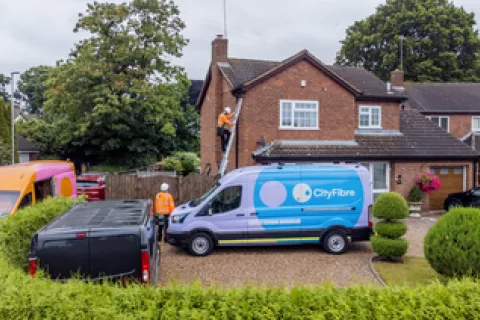
Connecting your house to full fibre

Find out more about full fibre installations if you live in a house.

Find out more
City Fibre Install MDU

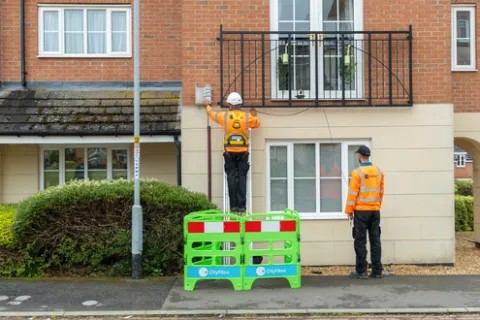
Connecting your flat to full fibre

Find out more about full fibre installations if you live in a flat.

find out more

Help Centre

For more information and frequently asked questions, visit our Help Centre.